
BoppiPaw WooCommerce theme
The store theme made for pet people.
Build a pet store with four prebuilt designs, separate desktop and mobile headers, reusable footers, and integrated WooCommerce discovery tools.
WooCommerce ready Visual editing workflows Importable demos

 Cat Living · playful comfort
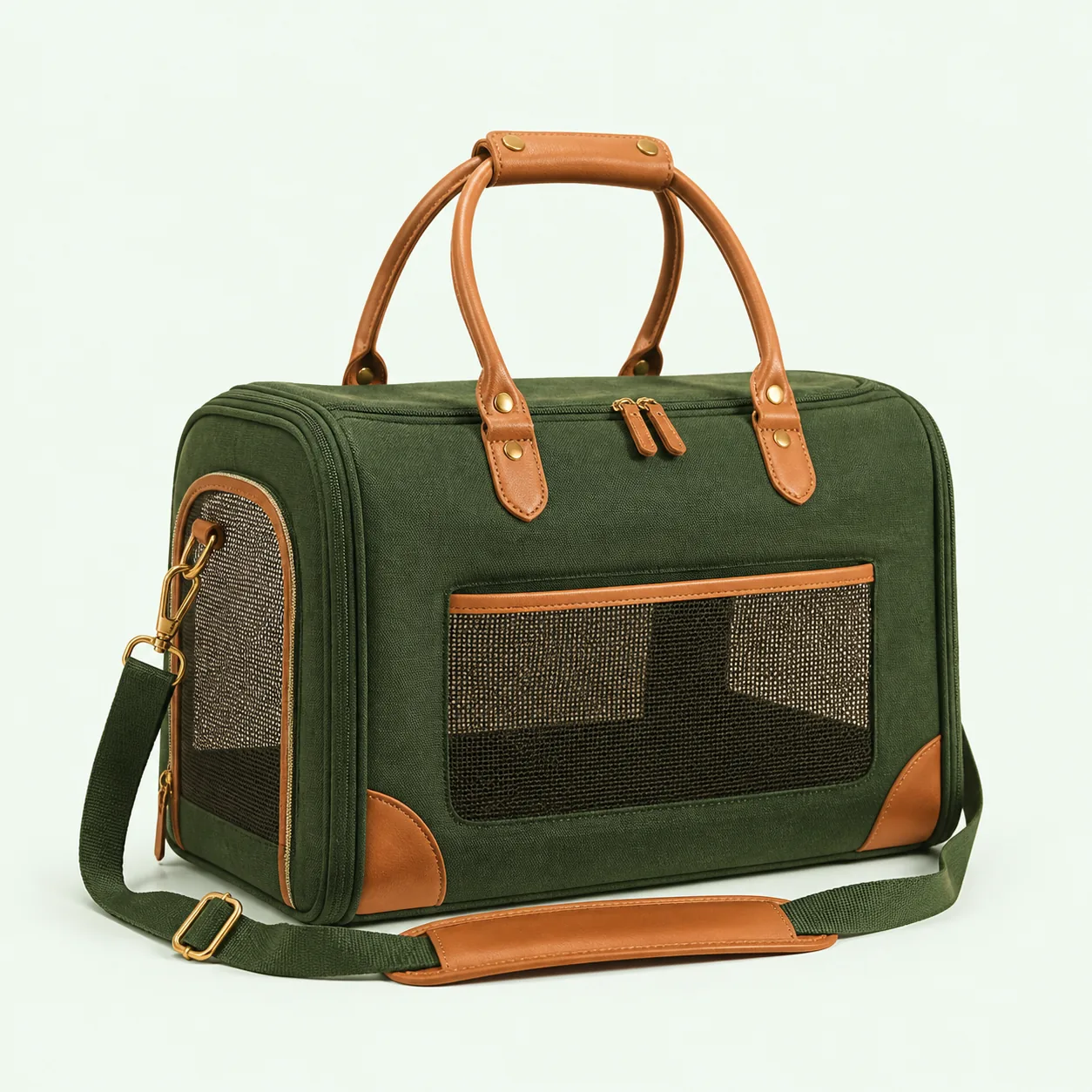 Real WooCommerce products
Start from a real store
Prebuilt websites for pet commerce.
Choose Gutenberg or Elementor import data with pages, theme settings and header/footer configuration. Preview photos are not embedded in the installable ZIP; original-image download is optional during import.
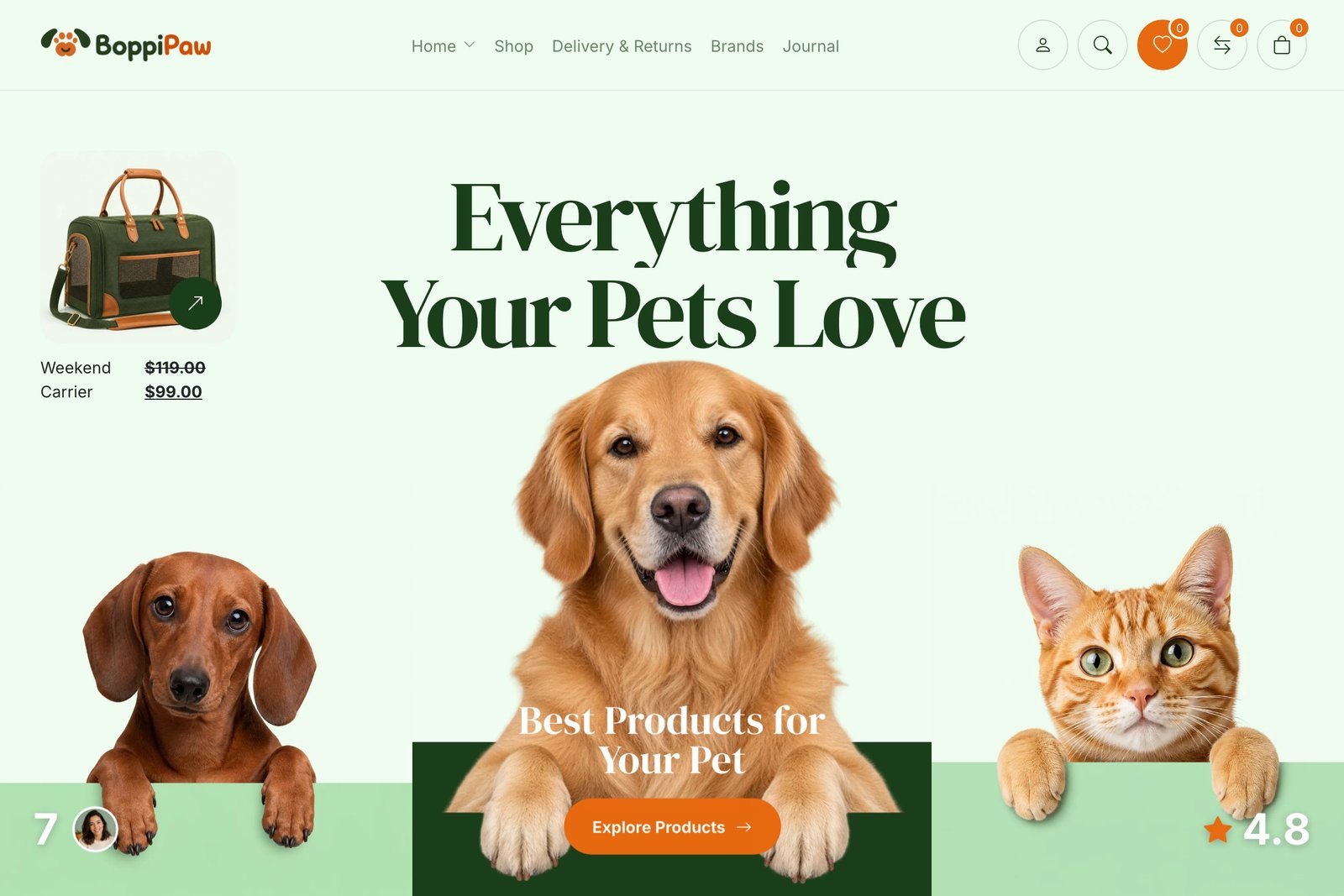 Live demoOpen live preview ↗
WooCommerce · Gutenberg · Elementor
BoppiPaw Original
A balanced flagship pet store with products, editorial stories and flexible shopping layouts.
View website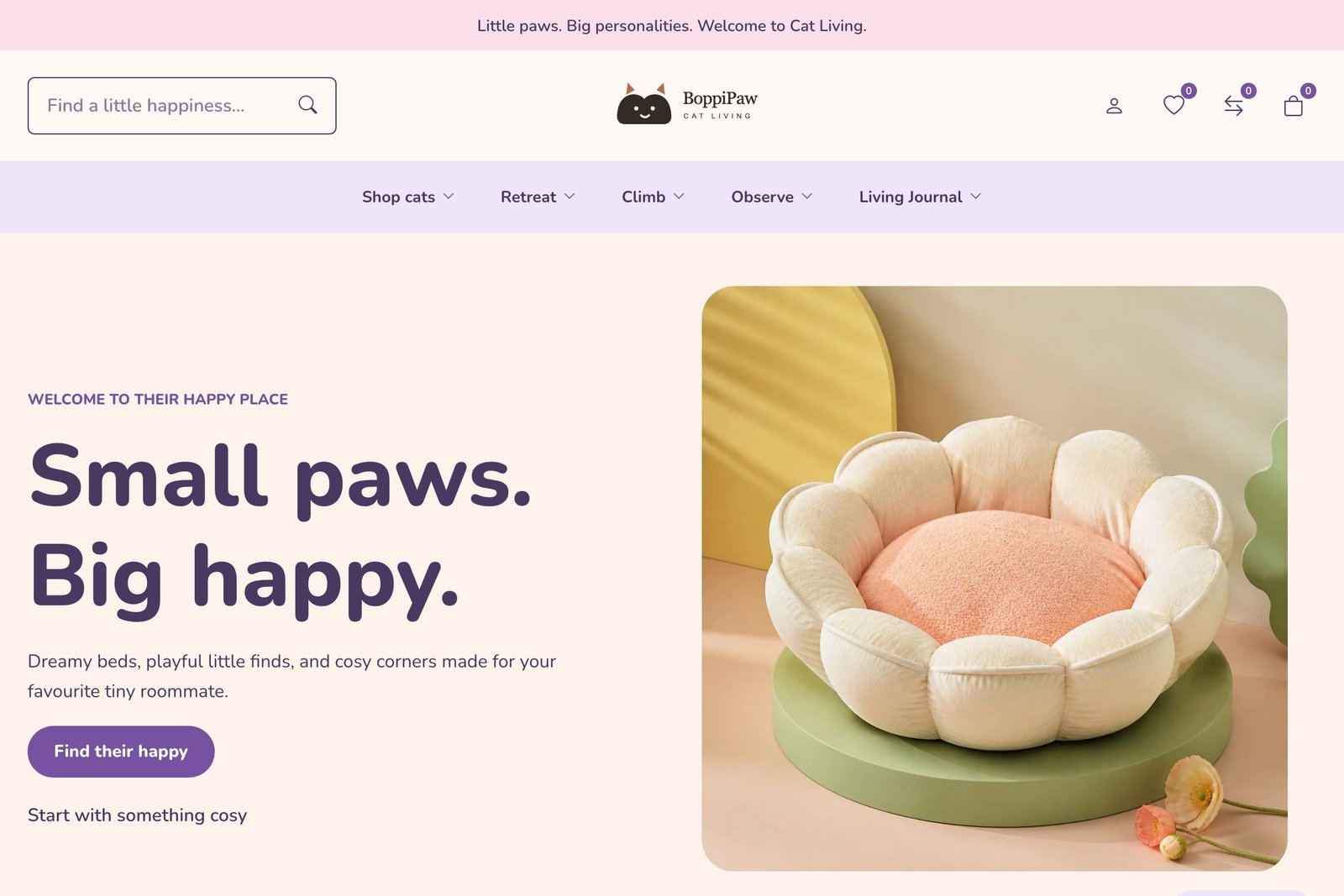 Live demoOpen live preview ↗
Cat furniture · Playful home
Cat Living
A playful pastel store for cosy retreats, climbing furniture and everyday feline favourites.
View website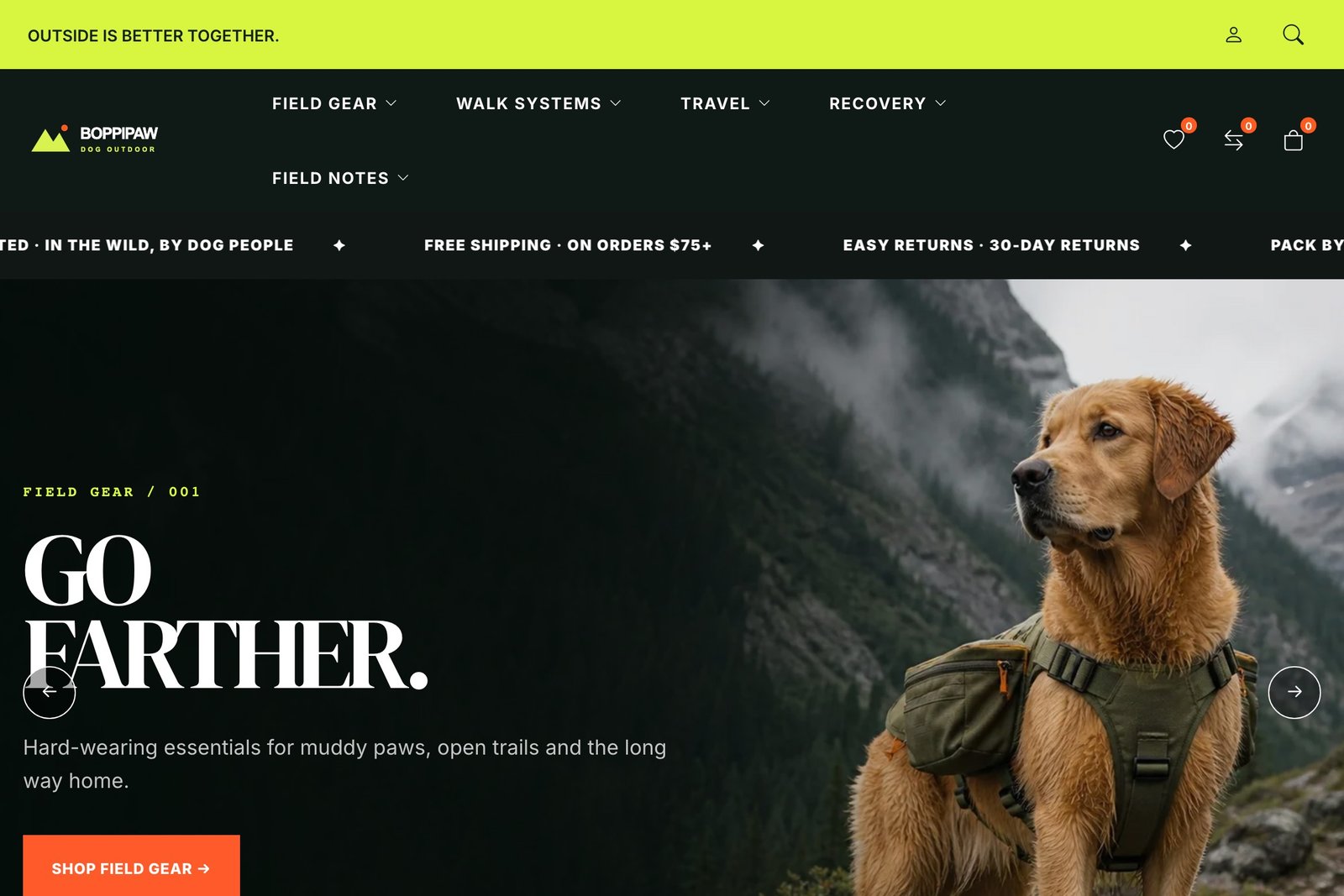 Live demoOpen live preview ↗
Dog gear · Outdoor field
Dog Outdoor
An energetic, product-led store for walking, travel, recovery and outdoor equipment.
View website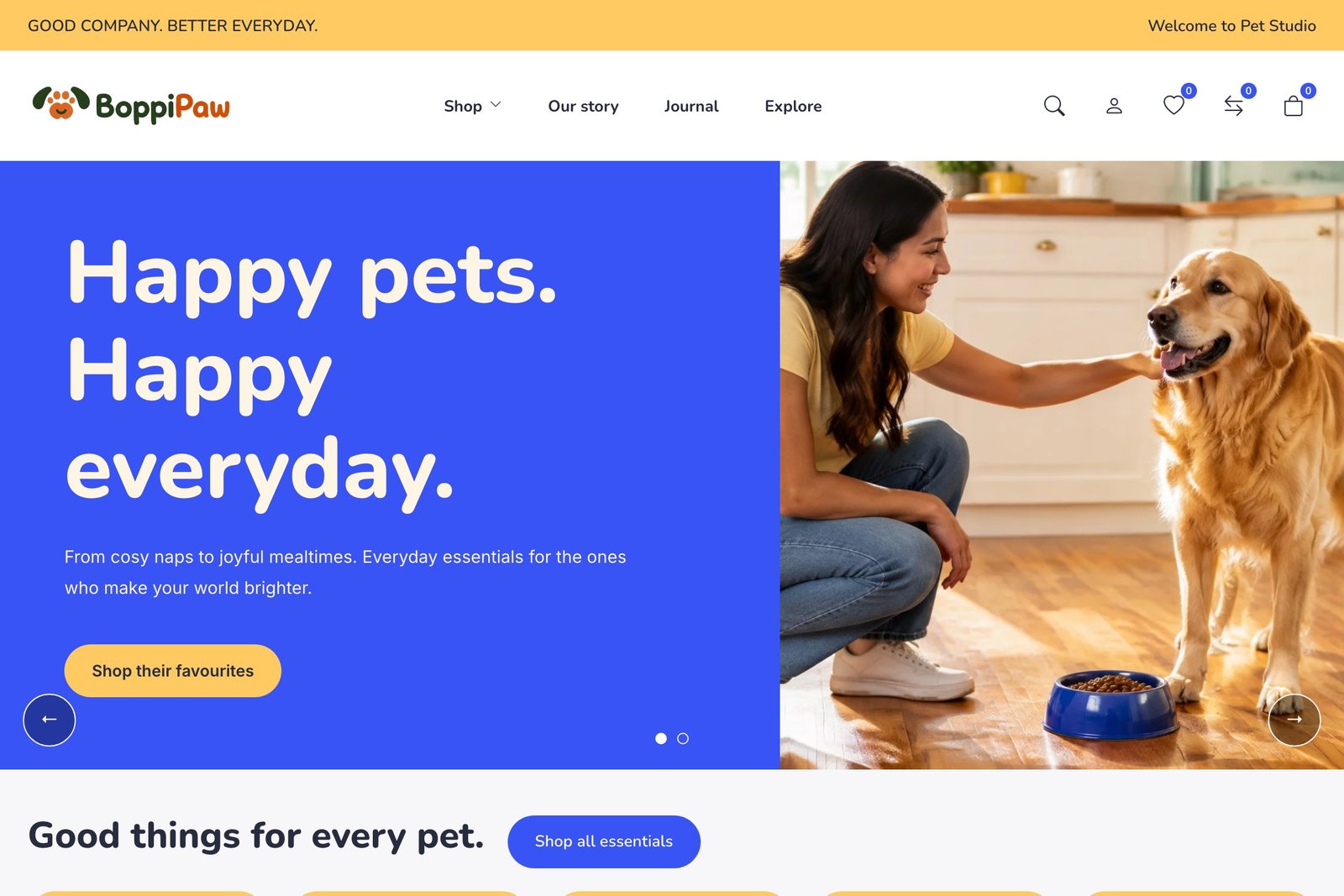 Live demoOpen live preview ↗
Everyday pets · Blue & yellow
Pet Studio
A bright, welcoming store for everyday essentials, playful discoveries and good company.
View websiteTheme + Core + WooCommerce
The essential shopping tools are already here.
The theme and companion BoppiPaw Core provide an integrated storefront. WooCommerce handles products, accounts, cart and checkout; payment services are configured separately.

Wishlist
Save favorites and revisit them on a dedicated customer page.
Product comparison
Compare up to four products side by side using your product data and attributes.
Quick view
Inspect product details without breaking the shopping flow.
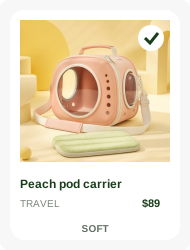
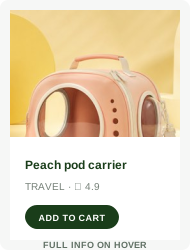
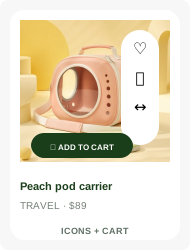
11 card layouts
Choose visual presets with real previews instead of cryptic dropdown names.
Mega Menu
Create rich desktop navigation with useful mobile fallbacks.
Rich product pages
Galleries, editable product stories, care details and moderated WooCommerce reviews.
A workspace, not a maze
Set up the store visually.
Arrange separate desktop and mobile rows in Header Builder. Create, preview and apply Gutenberg or Elementor footer templates. Reuse layouts and choose page-level overrides without editing PHP.
Guided setupEnvironment, child theme, builder, plugins, demo and site settings.
Tracked demo importsResume interrupted imports and review tracked removal. Back up before switching designs.
Settings backupExport and restore Theme Settings values—not a full database or media backup.
Product card layout
Interface illustration · choose a preset for your product information and actions.
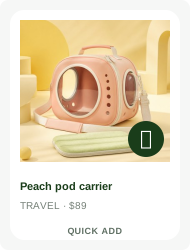
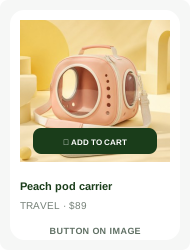
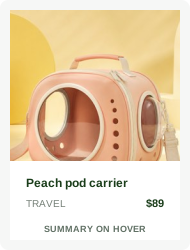
Built as one product
Less patchwork.
More store.
BoppiPaw combines the theme, store UI, product tools, demo system and management workspace instead of making each basic interaction feel like a separate add-on.
Product & license ThemeForest purchase details will be linked here when the public item is available.Included workflowTheme + CoreGuide
Shopping features require WooCommerce. Elementor is needed only for Elementor content. Payment gateways, campaign delivery and consent management are separate services.
From download to storefront
A clear way to get started.
The setup workflow makes dependencies and imported content visible instead of hiding work behind a single fragile request.
Install and activate
Upload the installable theme ZIP and activate it. Add a valid purchase code when available for authenticated updates; ordinary theme use remains unlocked.
Choose your workflow
Select Gutenberg or Elementor, then install and activate only the plugins your selected demo needs.
Import and personalize
Import your selected design, replace sample content and configure store policies, shipping and payments. Check the launch checklist before publishing.
Documentation & support
Real guidance for a real WordPress store.
Review installation, setup, imports, updates, privacy and troubleshooting before or after activation.
Read documentationFrequently asked
Do I need coding skills?
Theme Settings and the supported builders cover the intended visual workflows. Advanced template changes or custom integrations may require a developer.
Can I change demos later?
The importer offers tracked removal and restore controls. Read the confirmation and keep a full backup; this is not a general site-rollback service.
Does the theme work without activation?
The storefront and Theme Settings remain usable. Activation connects authenticated updates and protected downloads. Purchase and support terms depend on your license.
Can I use Gutenberg and Elementor?
Both are supported. Each page should continue with the editor that originally created it.
Are the demo photos included?
The installable package uses placeholders. Original demo images can be downloaded separately if you opt in during import. Review asset information before publishing.
What does mobile navigation include?
A separate header layout and an optional bottom shortcut bar. Choose up to five shortcuts in Theme Settings; the bar is hidden on cart and checkout pages.
Does signup or the cookie notice replace a specialist service?
No. Core collects subscriber records; campaign sending needs your mailing workflow. The cookie notice is informational and does not block third-party scripts.
Build a better pet store
Start with a store that already feels considered.
Explore four complete directions, inspect the real shopping interactions, and choose the foundation that fits your brand.